



Fire
Departments
Fire Departments
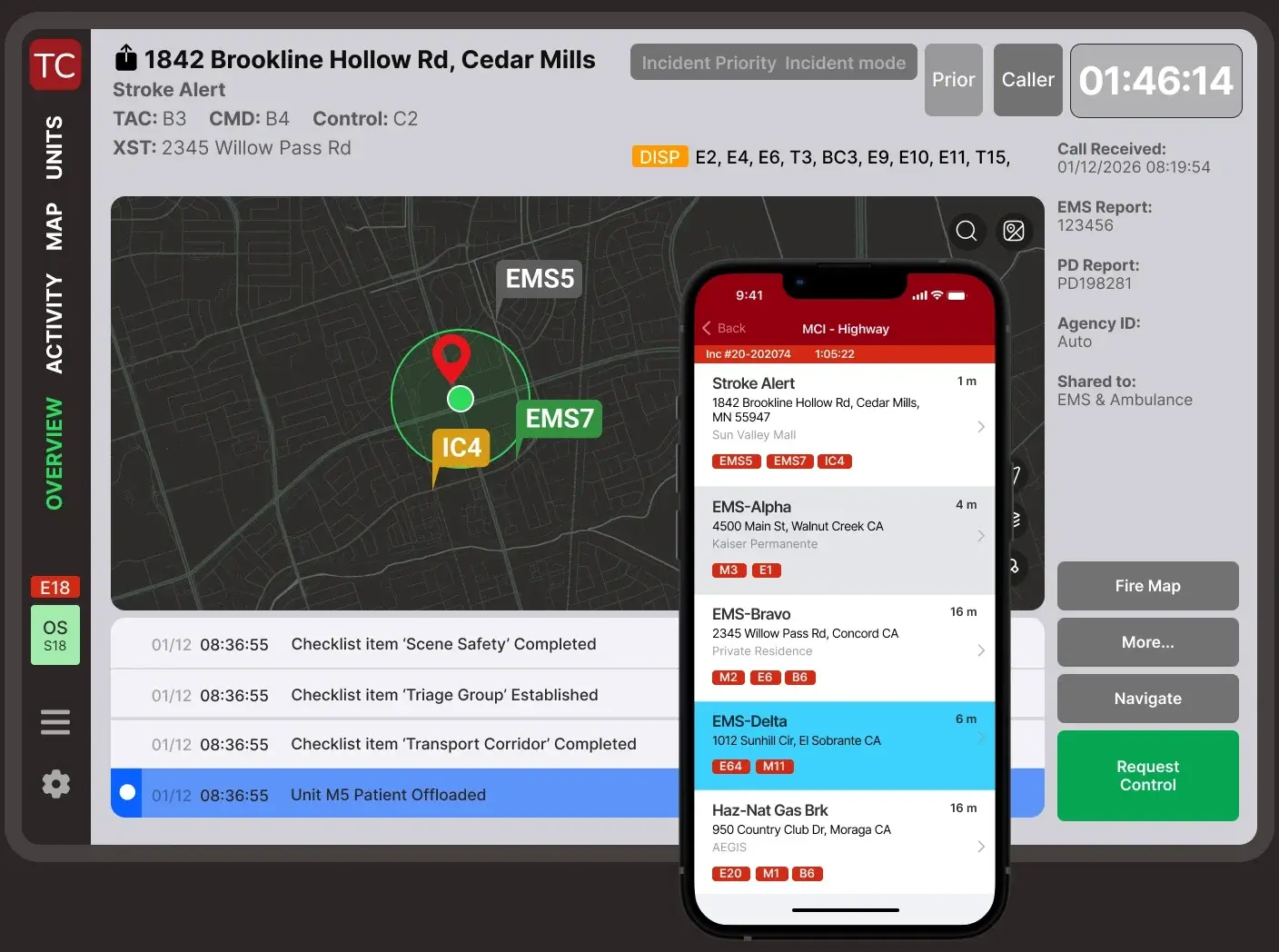
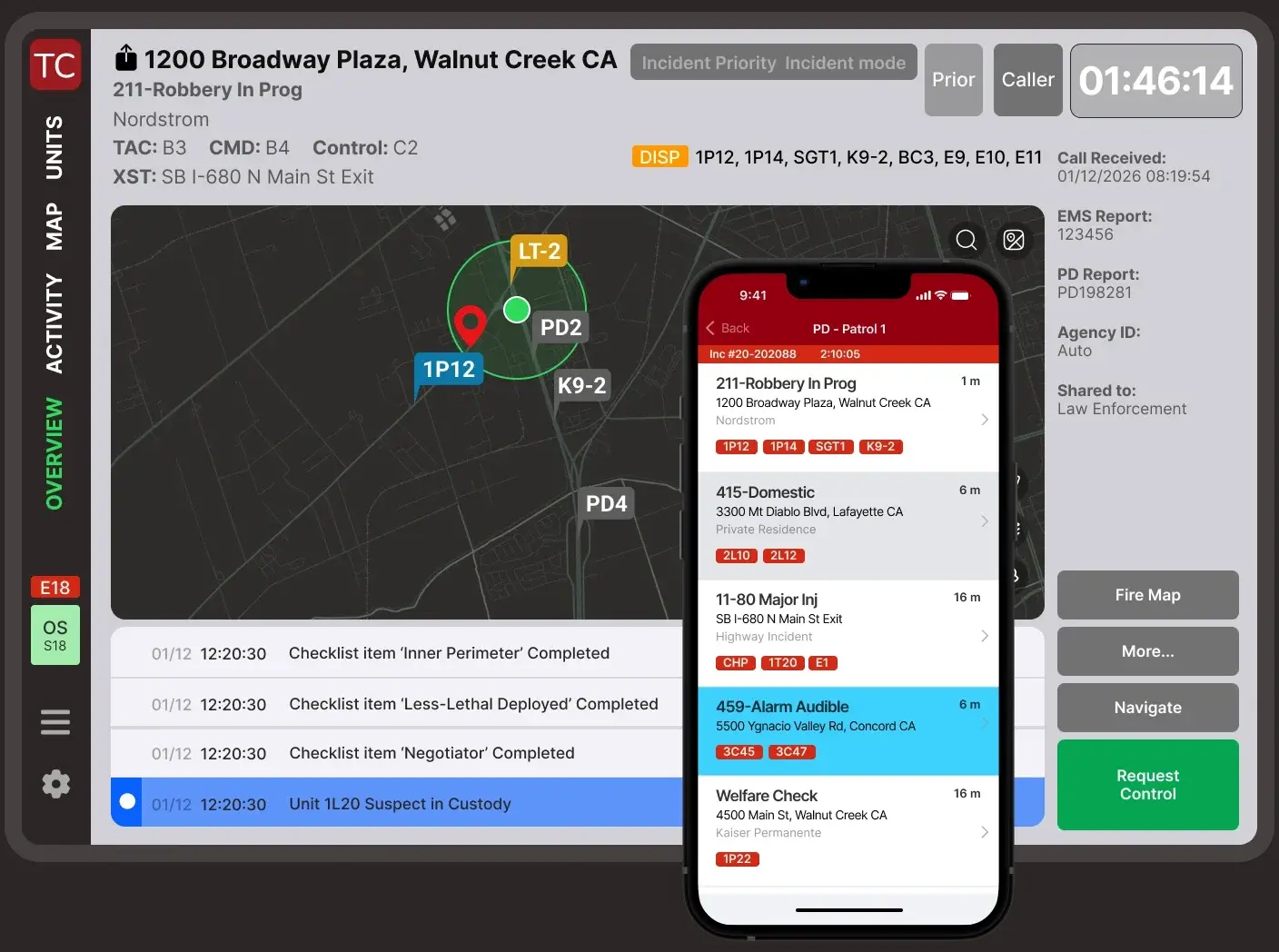
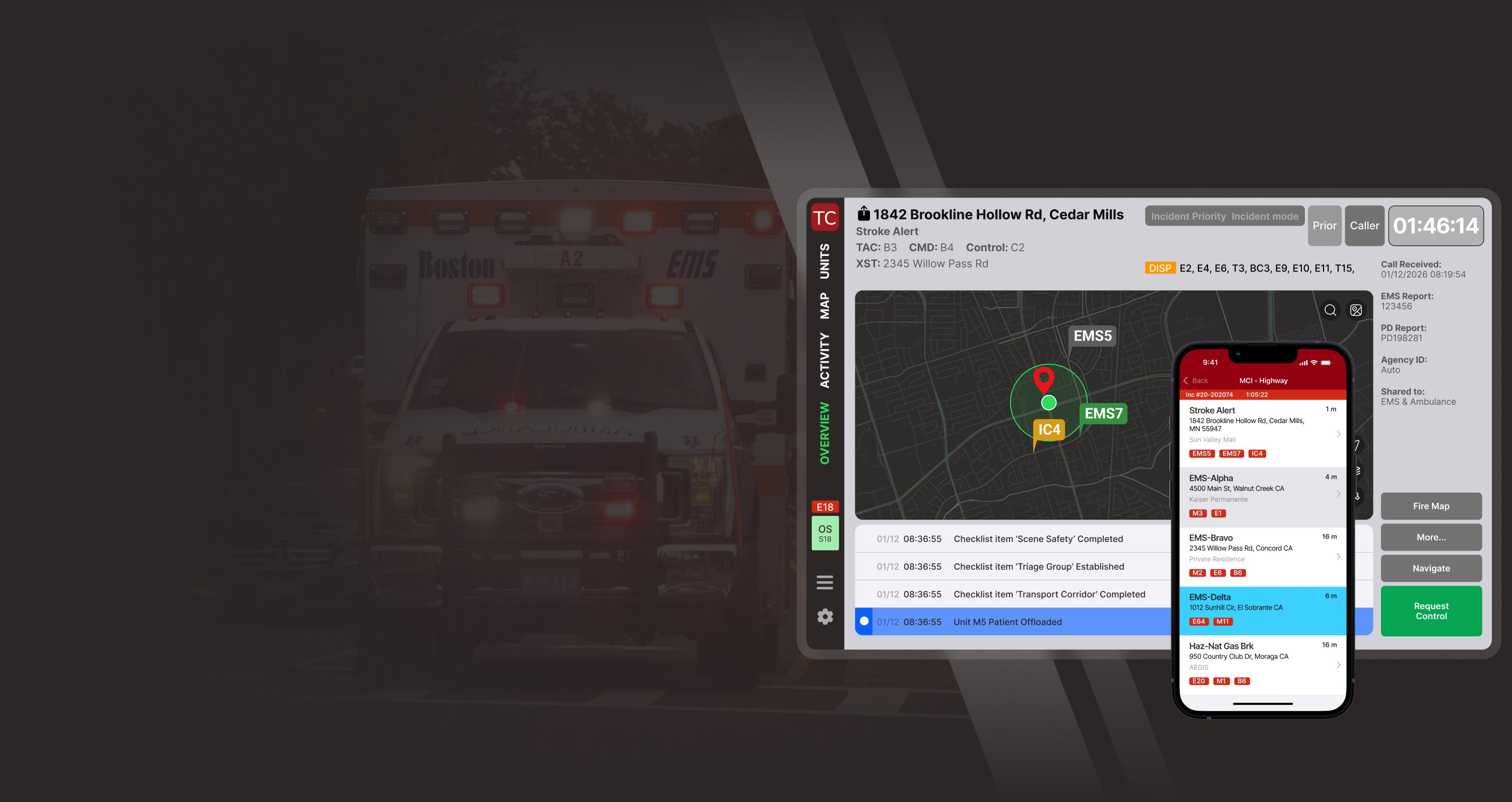
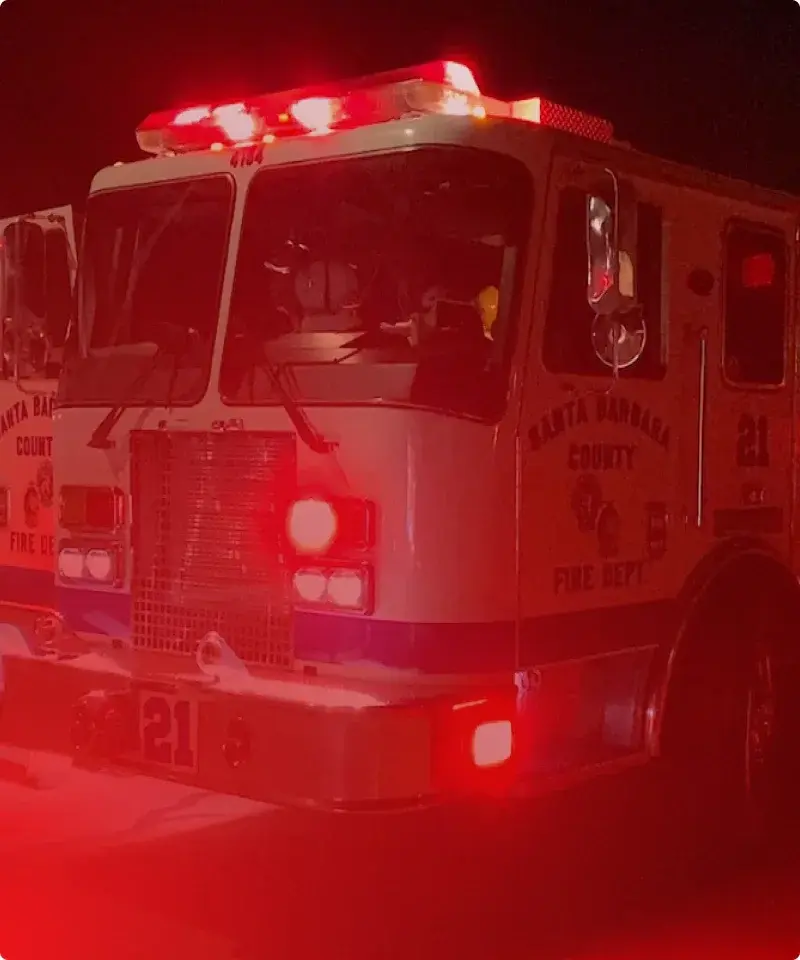
Coordinate structure fires, wildland incidents, and daily calls with a shared command board. Track units, assignments, hazards & personnel.
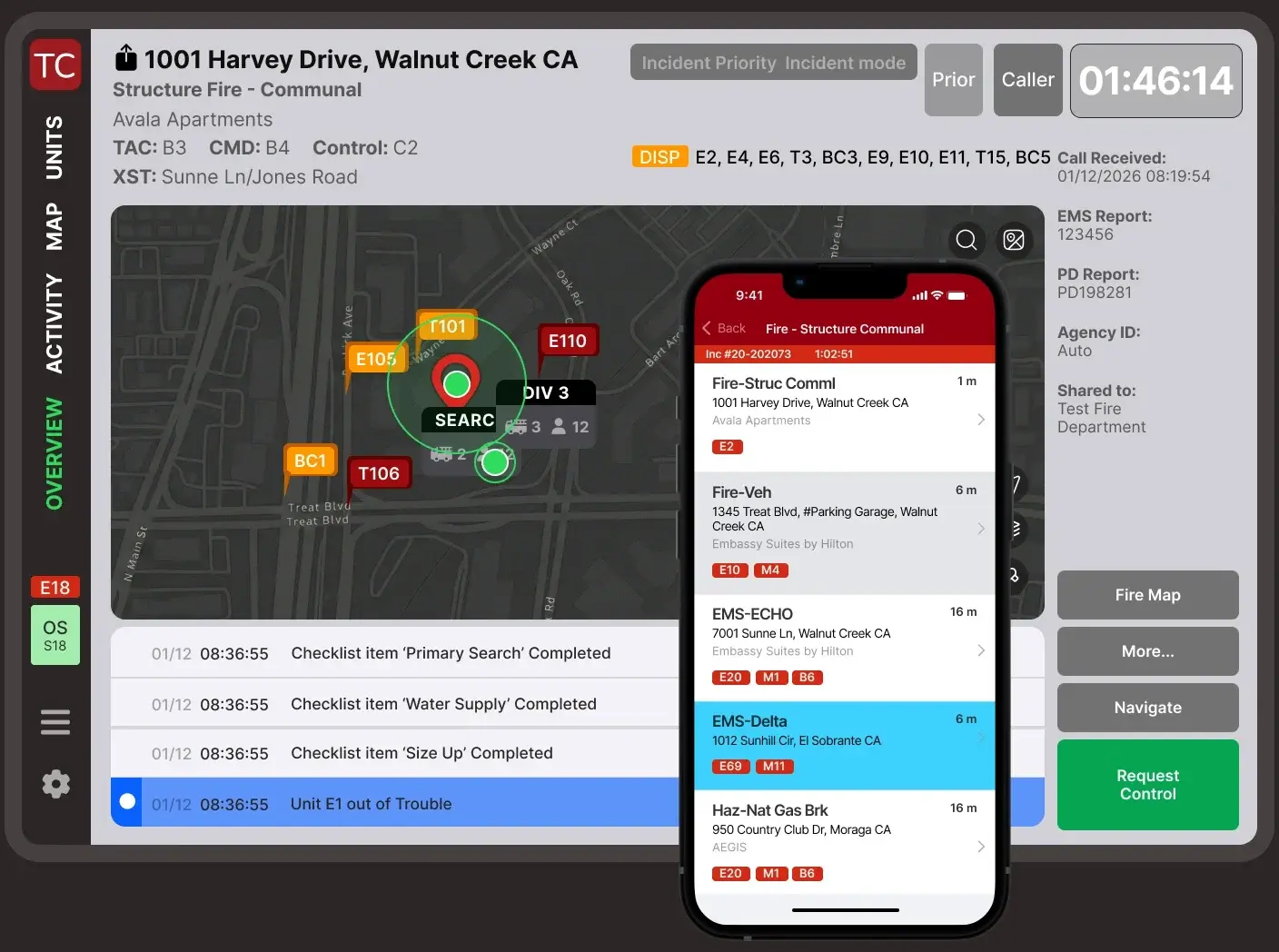
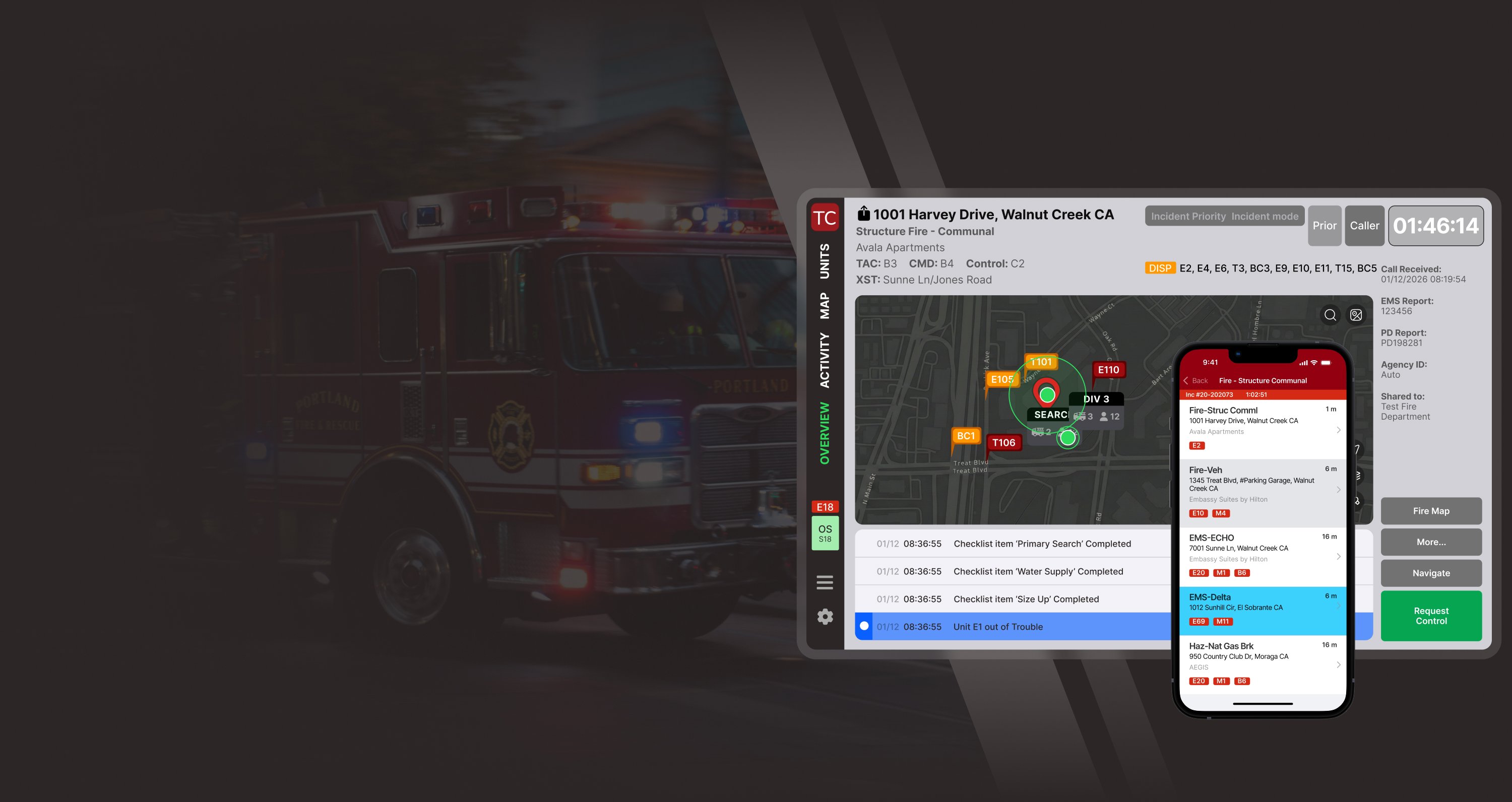
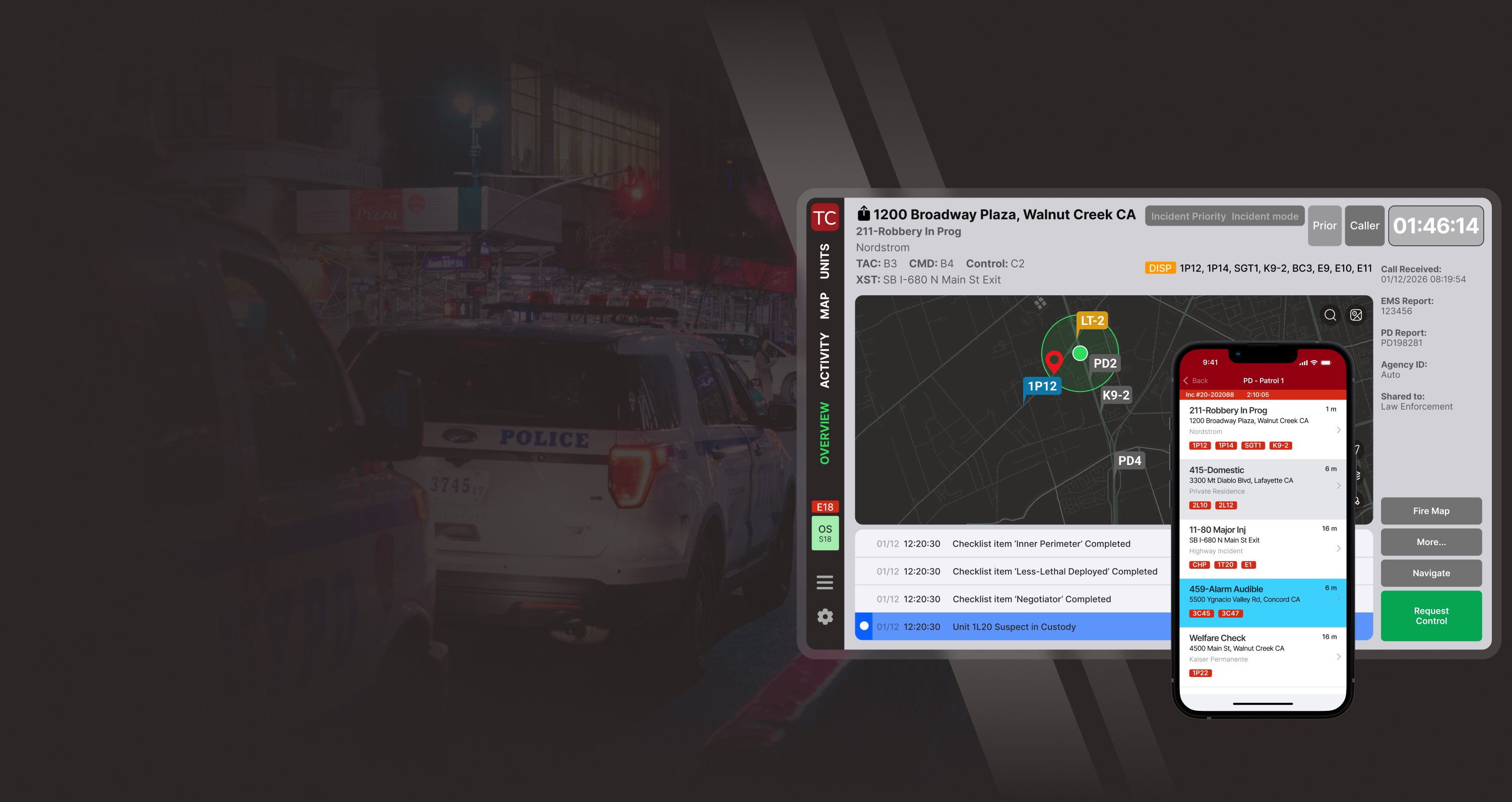
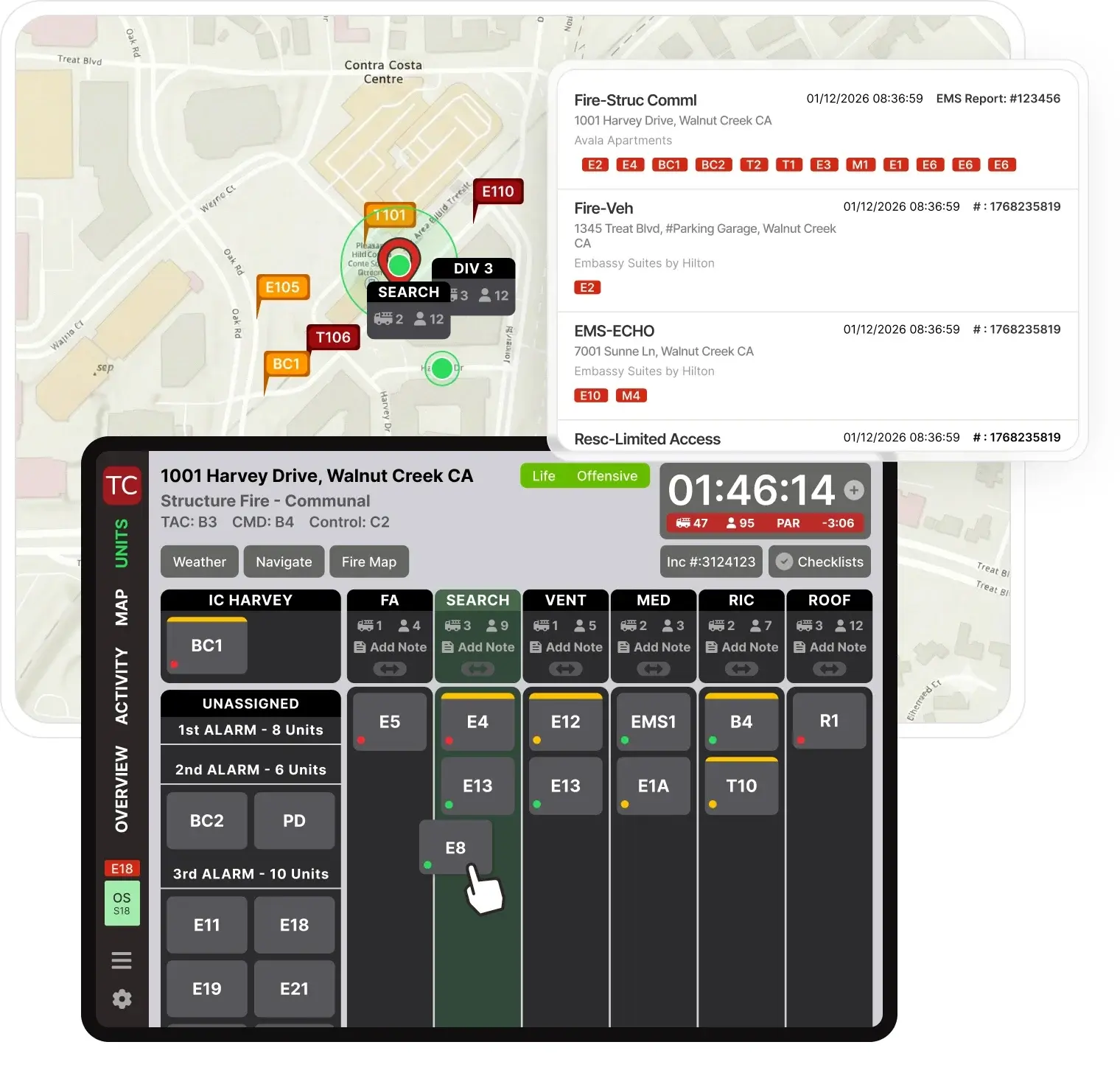
Run incidents on a digital command board. Drag and drop assignments. See pre-plans, GIS layers, resources, and accountability on live maps. Sync with CAD. Share across all devices.
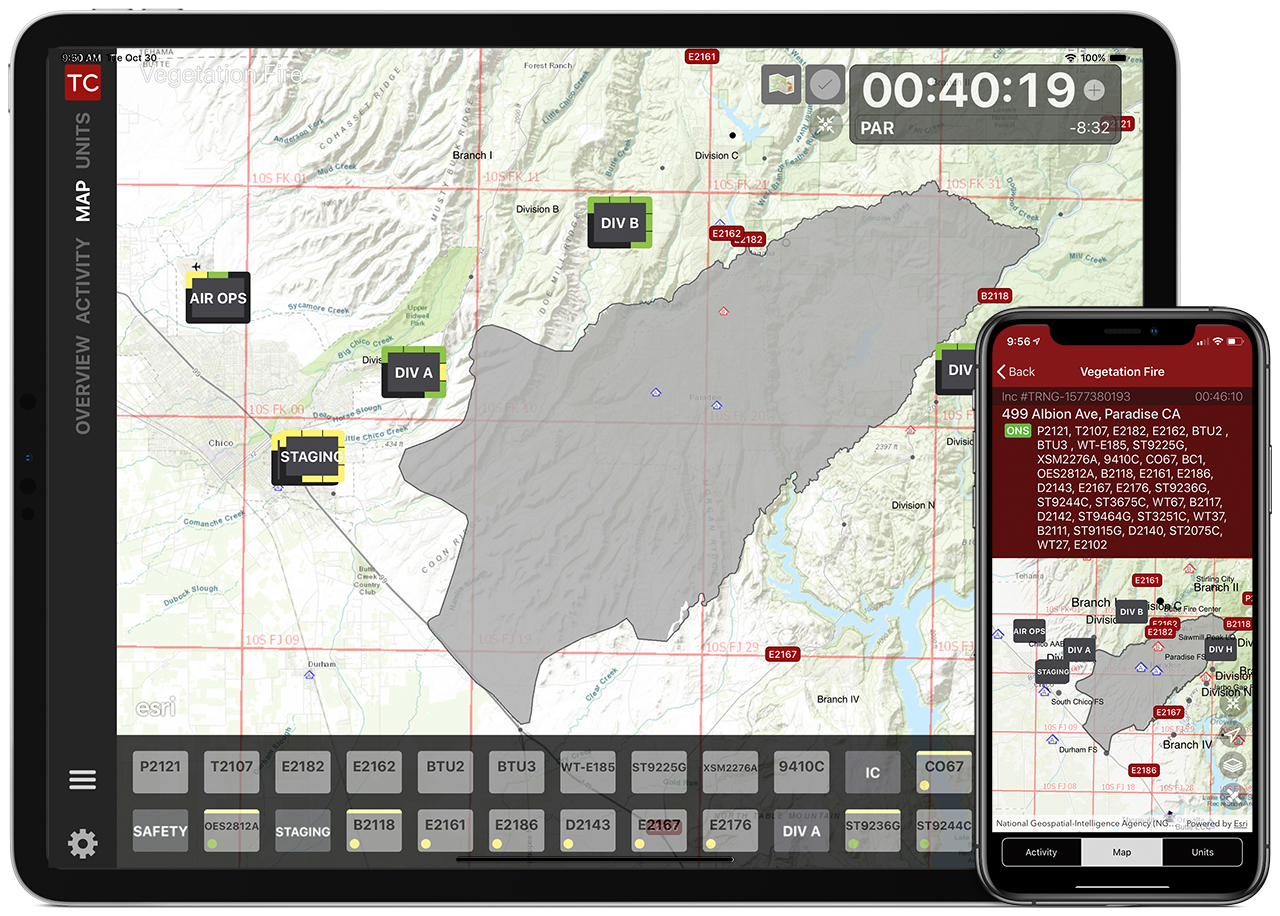
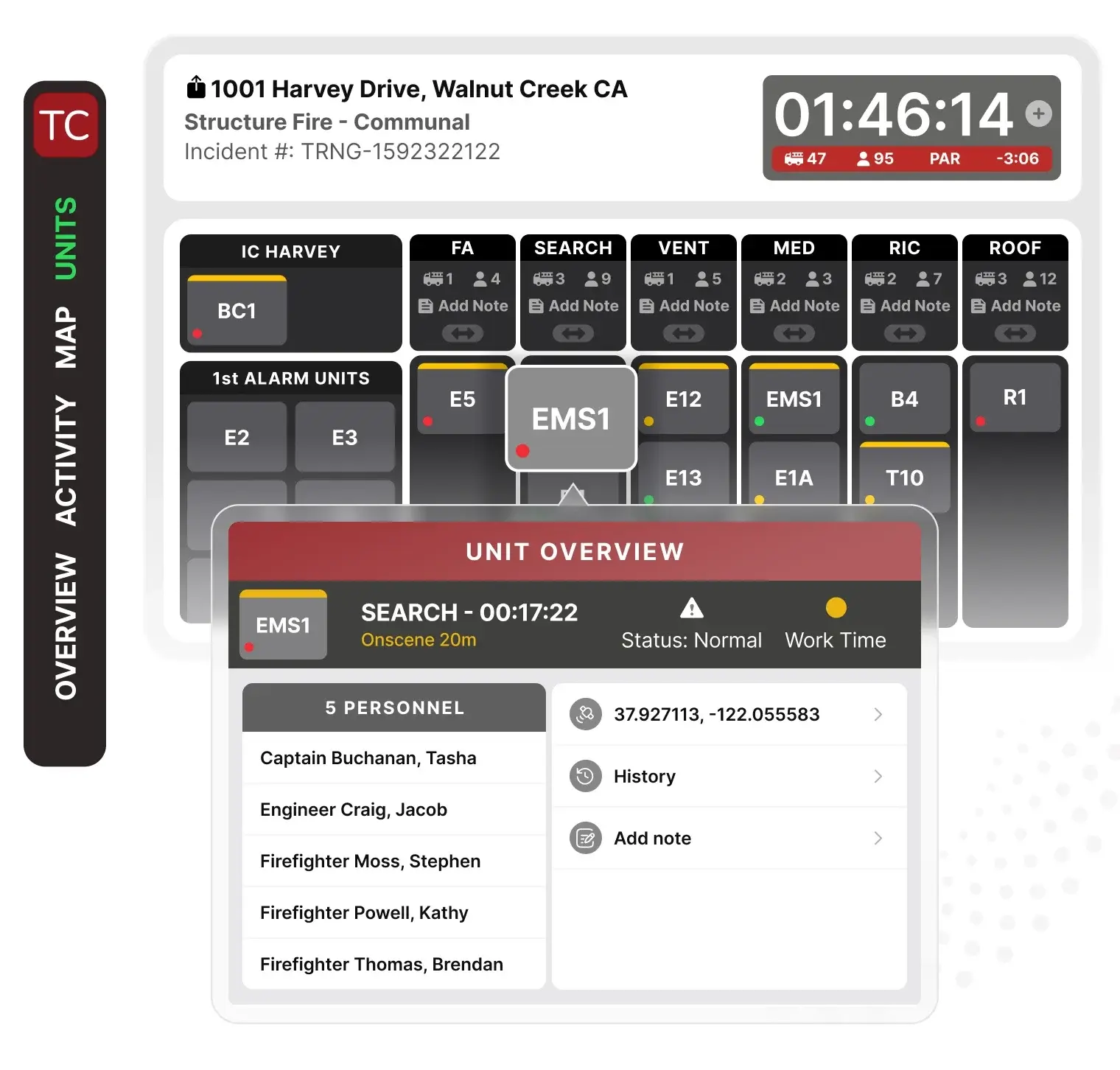
Assign or reassign units to operational zones with drag-and-drop. Track accountability and assignments on a live incident map that auto-updates with unit movement. Monitor progress against benchmarks. Auto-log and timestamp all actions.
Organize resources into groups and divisions. Update unit and personnel statuses via two-way CAD sync.
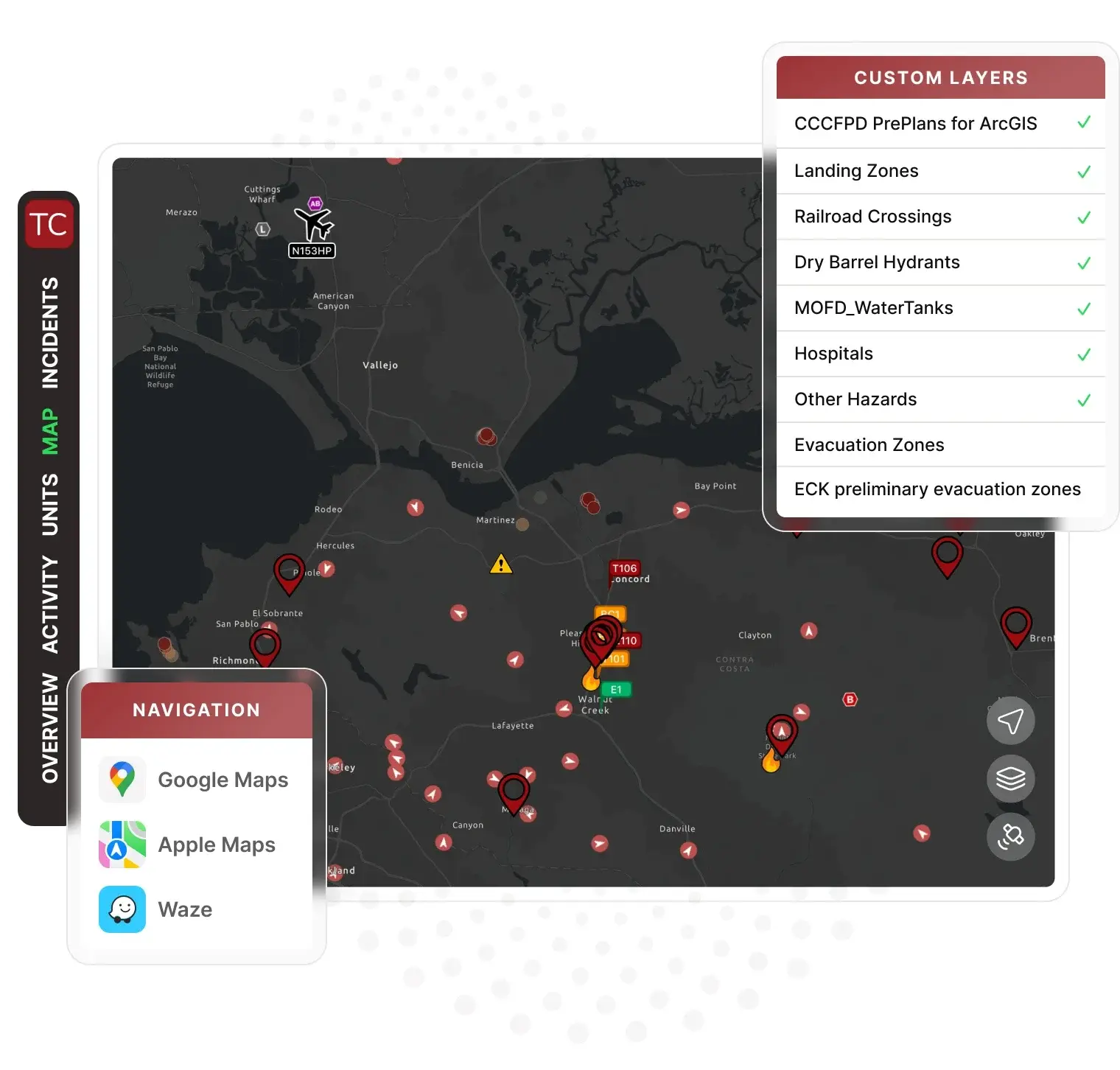
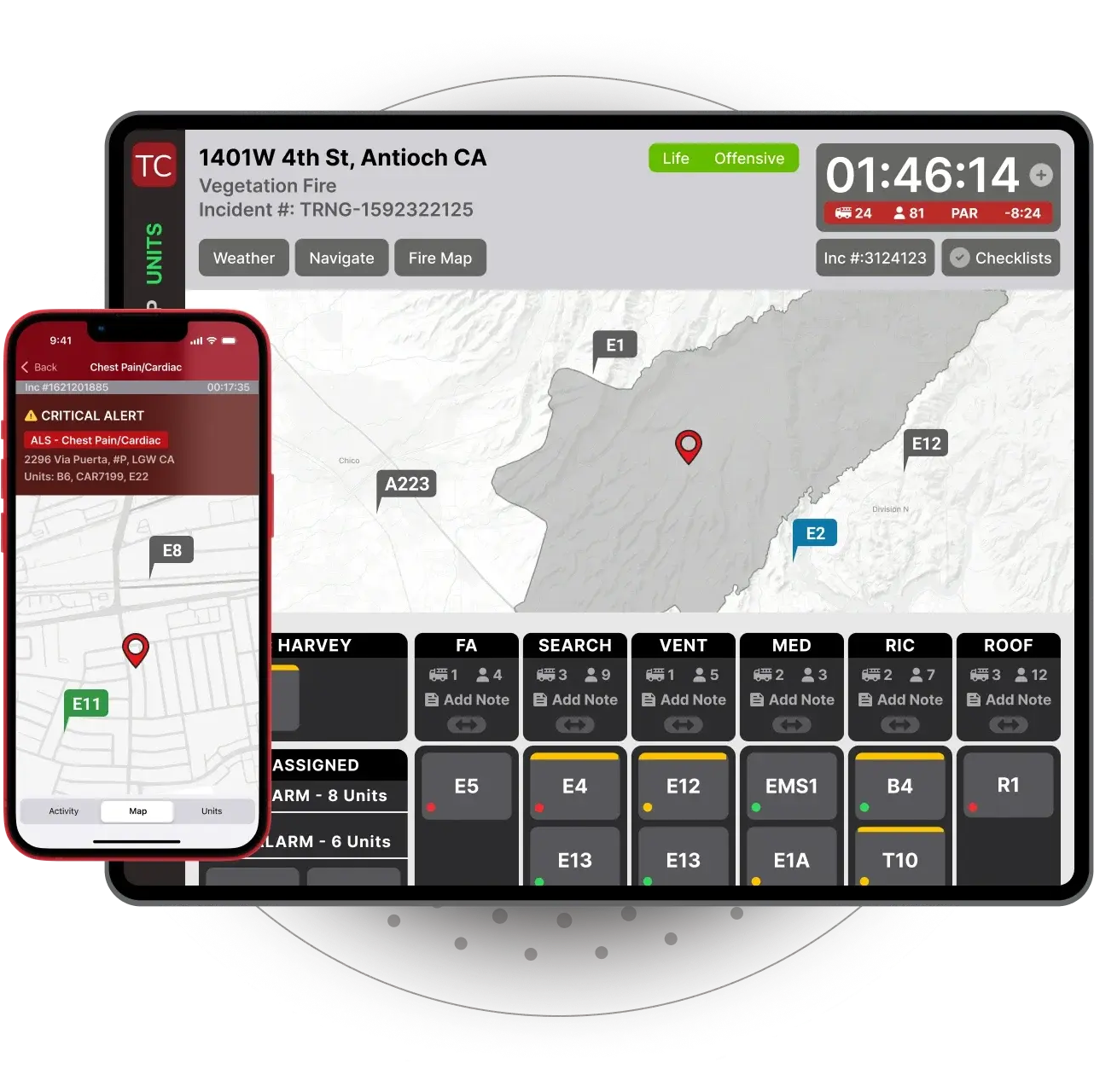
View pre-plans and custom map layers including hydrants, boundaries, hospitals, landing zones, flood hazards, evacuation zones, fire trails, and more. Track real-time unit locations with AVL. Annotate incident maps with drawings and notes. Auto-share updates across all devices.
Access turn-by-turn navigation via Google Maps, Apple Maps, or Waze.
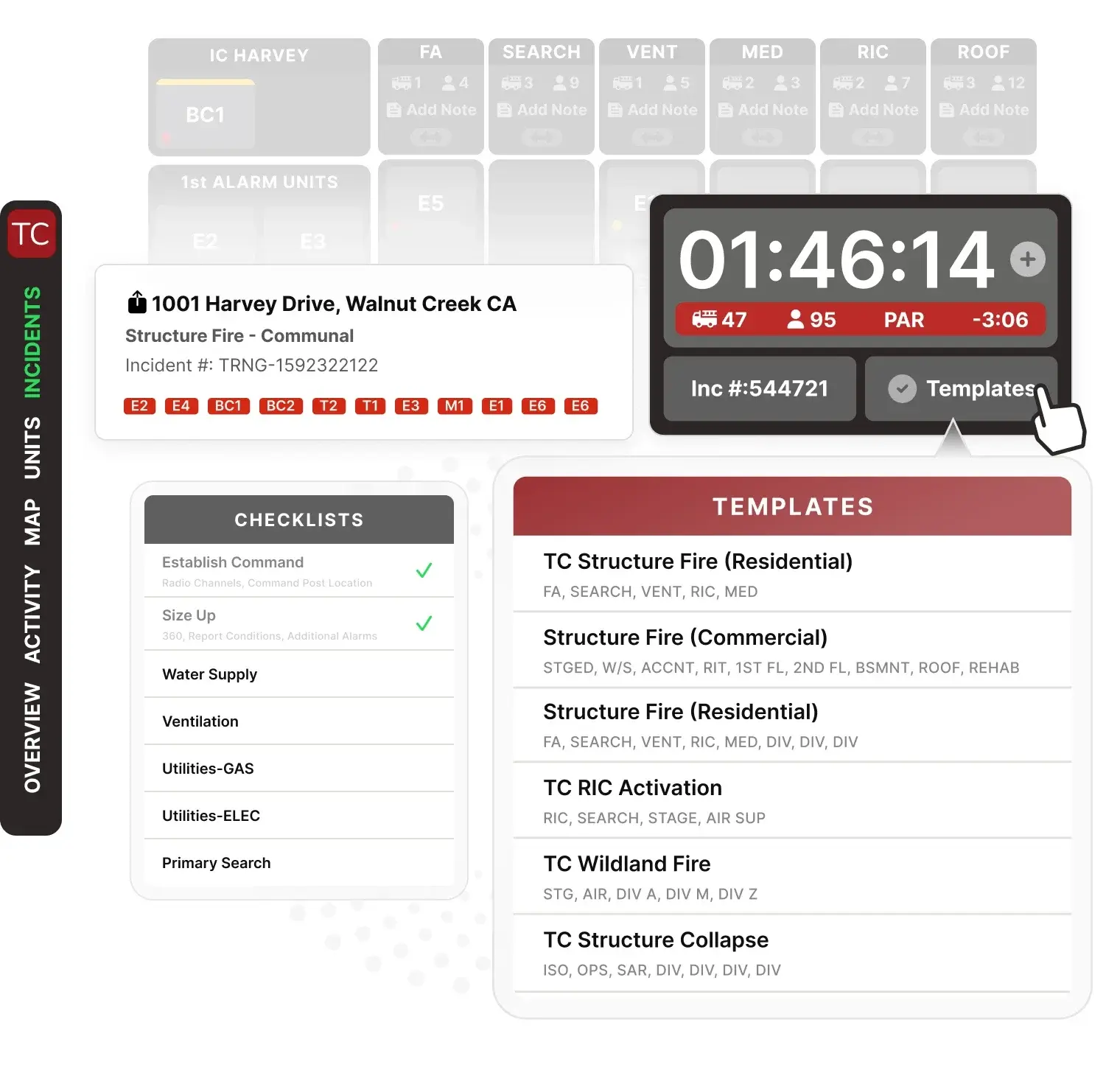
Configure tactical worksheets and incident checklists to align with SOPs. Build checklists for every call type. Deploy instantly across all devices via web portal.
Auto-populate divisions, groups, and benchmarks. Verify benchmark completion with one tap. Auto-log and timestamp progress.
Track incident duration with master scene timer on every screen. Configure automated PAR reminders to department intervals.
Monitor crew work times and fatigue automatically. Get alerts when PAR checks are due. Auto-log and timestamp all accountability actions.
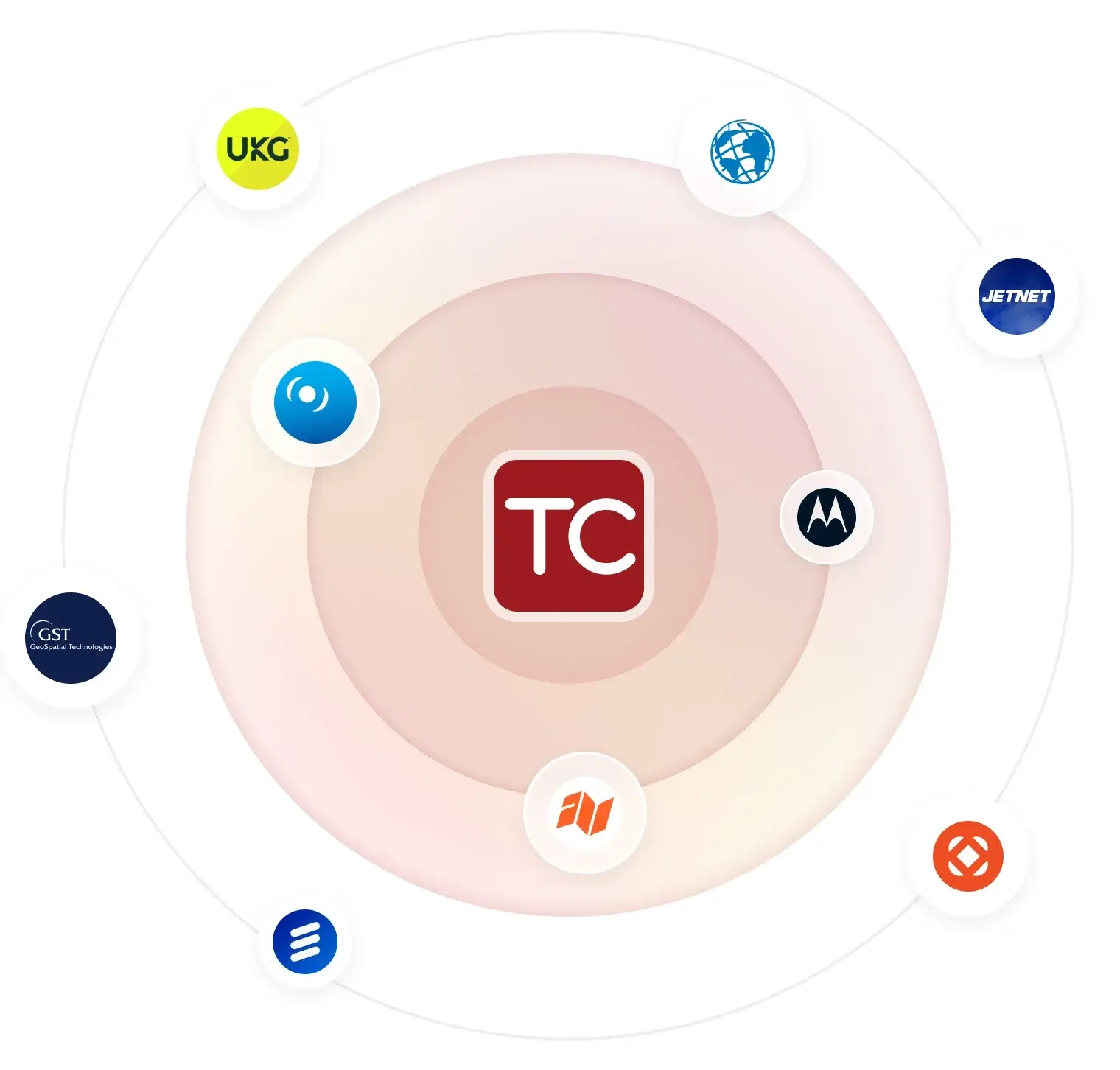
Sync data from multiple data sources. Connect to any CAD system. Integrate Esri GIS map layers, pre-plans, FireMapper, AVL, and more. View live feeds from cameras, sensors, and drones.
Connect staffing platforms including CrewSense, TeleStaff, netDuty, etc. Access everything in-app.
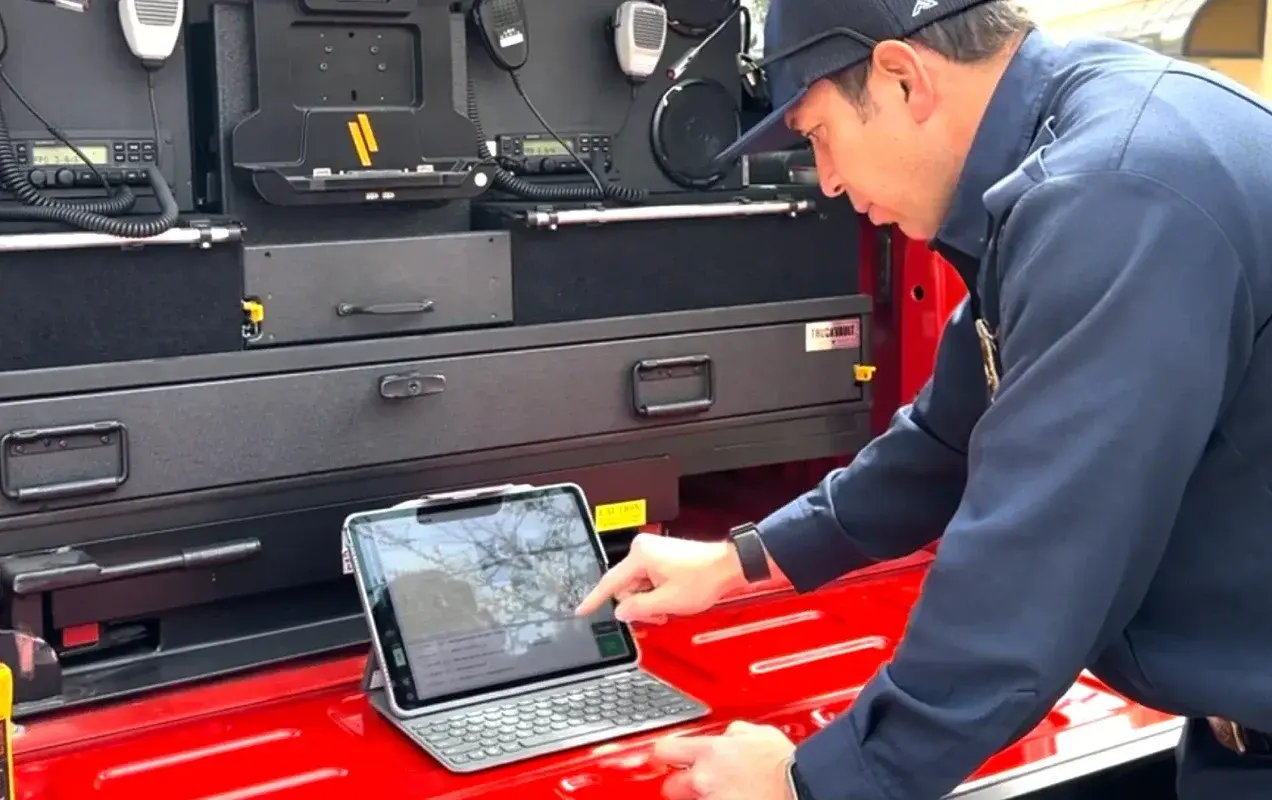
Complete MDT replacement with real-time incident management and shared situational awareness.
Get notified 30-60 seconds earlier than traditional station alerts.
Run incidents via iPad.
Drag & drop to assign units.
Track resources & timestamp activity.
Access & share info in real time. See GIS map layers, responding units, CAD notes, etc.
Over 250,000+ incidents managed. Used for everyday calls and large-scale, multi-agency coordination.
Coordinate structure fires, wildland incidents, and daily calls with a shared command board. Track units, assignments, hazards & personnel.
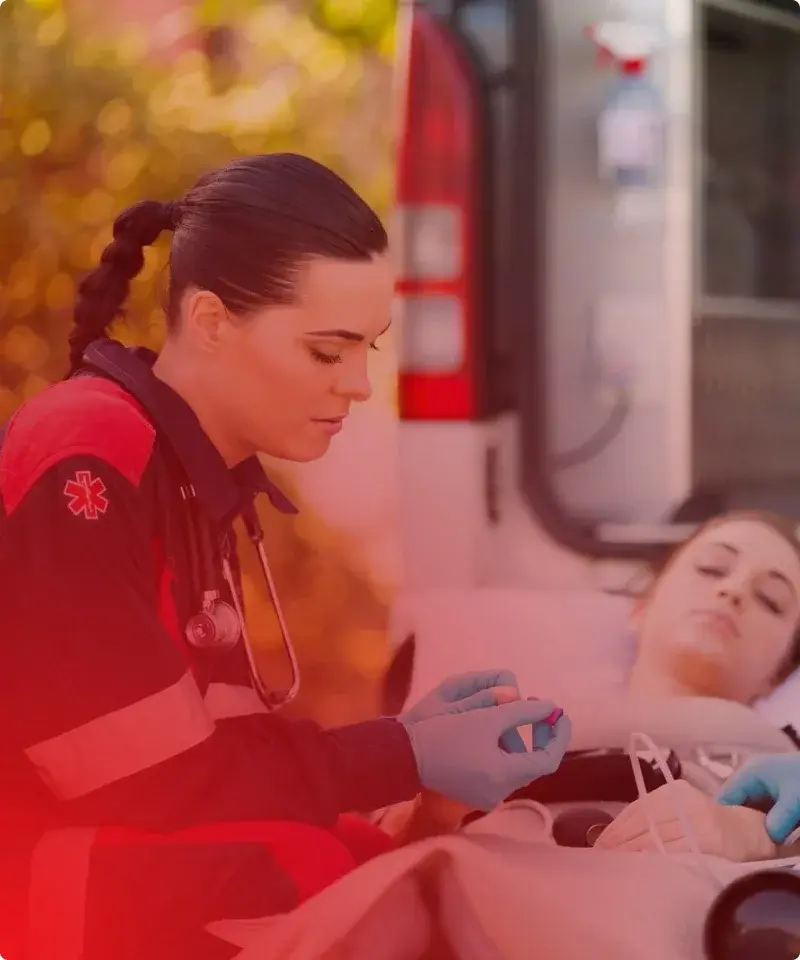
See call details, track ambulance availability, and manage scenes with clear roles and timestamps. Boost coordination across responding units.
“Tablet Command plays a big part in our effectiveness, efficiency, and ability to save lives. For any agency doing mutual aid and working together, it’s a huge resource.”
Lieutenant, Adams County Fire and Rescue
“The integrated AVL, mapping, and incident management have been a game changer. Tablet Command really helps us stay one step ahead of the changing fire environment.”
Battalion Chief, Marin County Fire Dept
Tablet Command is a mobile incident command and response solution that increases situational awareness, speeds incident response, streamlines incident management and improves firefighter accountability. With Tablet Command, an incident commander can tap and drag responding apparatus onto an emergency scene, track progress against critical checklists, and time-stamp every maneuver and benchmark throughout an incident. Tablet Command is also a complete MDT replacement with features tailored to the needs of the Fire Service.
Tablet Command is a tablet based incident and tactical command software built on the iPad platform.
With Tablet Command, an incident commander can tap and drag responding apparatus onto an emergency scene, track progress against critical checklists, and time-stamp every maneuver and benchmark throughout an incident.
The 2008 financial crisis and recession that followed had a deep effect on the city’s fire department. in July 2012, Stockton became the largest city in U.S. history to file for bankruptcy. As part of their recovery, Stockton Fire Department looked to Tablet Command’s mobile incident command solution as a powerful MDT replacement and fire ground accountability tool.

Incident command at your fingertips. Track resources in real time. Create data for your after action review.


Receive incident notifications on your iPhone. One tap opens the incident, second tap kicks off turn by turn navigation. Stay ahead of the curve with Tablet Command on your iPhone.
Scale any incident on your iPad. Tablet Command keeps you situationally aware and gives you the tools you need to scale up any incident.
Join fire departments all over the country already using Tablet Command
-Tom Siragusa, Assistant Chief, San Francisco Fire Department
State of the art mobile command features for your iPad
Manage incidents directly on a map. Bring situational and resource status into a single view on your iPad. Responding to a wildland fire at night? Satellite images taken during the day provide a daytime view of surrounding homes and vegetation.
Create data as a byproduct of each incident you manage. Customizable checklists at the touch of a button. All check-offs are time-stamped and recorded.
Tablet Command tracks incident times with precision. A master incident clock is visible on every screen and includes a stopwatch you can use as needed. Colored work time lights give you unit work time status at a glance.
Tablet Command is a native app designed to run entirely independent of internet connectivity. Of course having a connection supports the use of map updates and other useful features, but the core app runs flawlessly 100’ deep in a cave.
Configure resources, templates, checklists, assignments, and PAR timer and unit work timer durations to match your department’s SOPs. Tablet Command does not try to change the way you manage an incident. It is fully configurable by the user.
Report directly from the fire ground at any time during an incident. Time-stamped activity record essentially your ICS 201. Reports include every action made during the incident in a time stamped list, a .CSV file and a screenshot of the incident map.
Just ask our customers!
| FEATURES | TABLET COMMAND | TC | ENTERPRISE BASIC | TC BASIC | ENTERPRISE PRO 1 WAY | TC PRO | ENTERPRISE PRO 2 WAY | PRO 2 WAY |
|---|---|---|---|---|---|---|---|---|
| INCIDENT COMMAND | ||||||||
| TURN BY TURN NAVIGATION | ||||||||
| ANNOTATE MAPS IN REAL TIME | ||||||||
| RECORD EVERY ACTION | ||||||||
| EXPORTABLE ACTIVITY RECORD | ||||||||
| INCIDENT CHECKLISTS | ||||||||
| INCIDENT TEMPLATES | ||||||||
| MULTI-USER CAPABLE | ||||||||
| WEB PORTAL | ||||||||
| ESRI MAP INTEGRATION | ||||||||
| PRE-PLAN INTEGRATION | ||||||||
| REAL TIME SYNC | ||||||||
| FIRE MAPPER INTEGRATION | ||||||||
| STAFFING INTEGRATION | ||||||||
| TC MOBILE | ||||||||
| AVL (DEVICE BASED) | ||||||||
| AVL (MODEM BASED) | ||||||||
| IN APP AUDIO | ||||||||
| AVL (CAD BASED) | ||||||||
| CAD INTEGRATION | ||||||||
| EARLY INCIDENT NOTIFICATION | ||||||||
| INCIDENT DETAILS FROM CAD | ||||||||
| INCIDENT SHARING | ||||||||
| SHARED AVL | ||||||||
| MDT REPLACEMENT | ||||||||
| UNIT STATUS TO CAD | ||||||||
| COMMENTS TO CAD | ||||||||
| LOCATION TO CAD |
Tablet Command is more than just a free app. Check out the enterprise features that will increase situational awareness and accountability for everyone in your department and replace your legacy, expensive MDT's with a flexible intuitive solution.
Copyright Tablet Command Inc. 2026. All rights reserved. The written materials, tables and images contained on this website are copyright of Tablet Command, Inc., and may not be copied, used or reproduced without our express written permission.